Understand AI from both ethical and practical perspectives, including the specific craft of prompt engineering.
Read more
Crafting Microsoft Copilot to Unlock Learning Potential



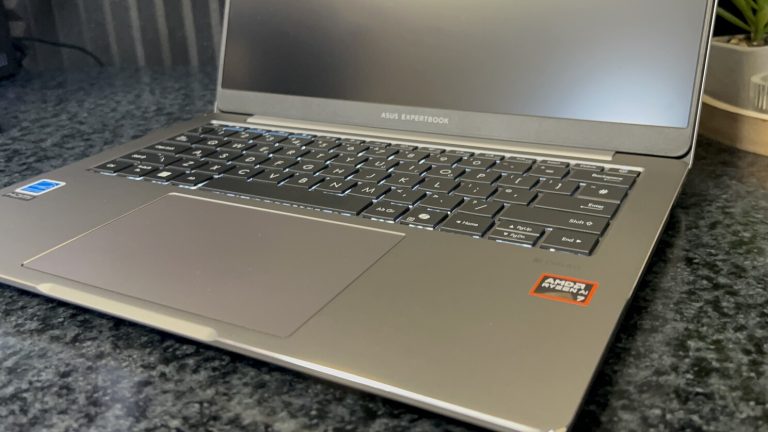
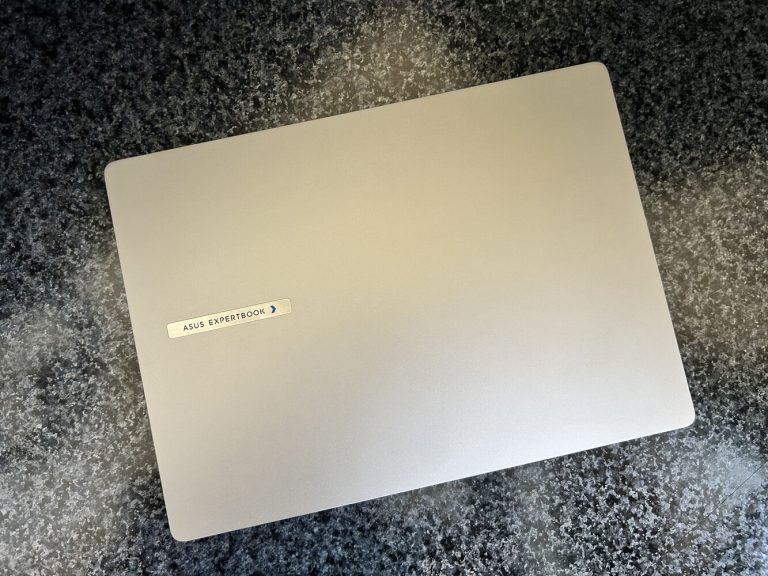
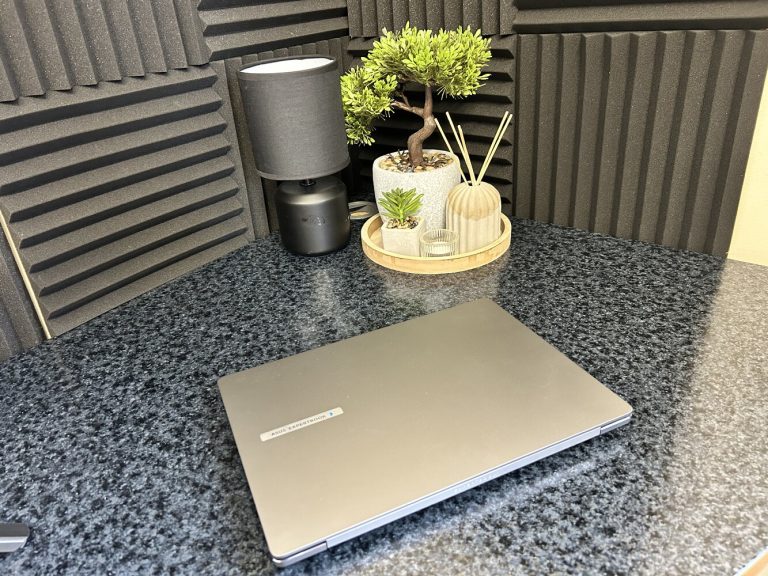
Enter the "Copilot+ PC” as a solution: combining on-device AI processing with cloud AI capabilities and in so doing, providing a hybrid approach to generative AI tasks. This allows for tasks such as real-time language translation, voice recognition, image rendering, and other AI applications to be run locally on the PC, improving performance and reducing latency. According to Microsoft’s documentation:
Copilot+ PCs are a new class of Windows 11 hardware powered by a high-performance Neural Processing Unit (NPU) - a specialised computer chip for AI-intensive processes like real-time translations and image generation – that can perform more than 40 trillion operations per second (TOPS). . . Copilot+ PCs offer unique AI experiences that ship with modern versions of Windows 11. These AI features, designed to run on the device NPU, ship with the latest Windows releases and will be available via APIs in the Windows AI Foundry.
To allow Windows and its app ecosystem to programmatically access different processors available on your PC requires an “inference runtime”. Windows 11 comes with Windows ML (WinML) built-in, Microsoft's AI inference runtime that can run machine learning models locally on Windows devices. It is designed to be hardware-aware and can leverage different processors for AI acceleration, including CPUs, GPUs, and NPUs based on their capabilities.
What does that mean for Windows PC aficionados in 2026?
Copilot+ PCs intelligently distribute workloads between the available hardware on the device and Microsoft's cloud servers to leverage the most powerful AI models for natural language processing, reasoning, and more complex computations. This hybrid architecture lets end-users benefit from fast local processing alongside the advanced capabilities of cloud-based AI in a way that they wouldn’t otherwise on PCs without those on-device AI capabilities.
Some unique Copilot+ PCs AI-enhanced features in Windows 11 are referred to collectively as Windows AI and include Recall, Click to Do, Live Captions with translation, Windows Studio Effects, and improved Windows Search. These Windows AI features all leverage local AI compute with semantic indexing for natural language queries. These features process data locally, securely, and instantly providing a premium AI experience tailored for Windows 11 users, especially in business and creative contexts. Note that if the device hardware simply isn’t capable of running these on-device AI workloads, the features will remain disabled and hidden. If you want to enable your knowledge workers who often perform data retrieval or referencing tasks, the new Windows AI features will likely benefit them most.
How does an IT professional enable those Copilot+ PCs AI-enhanced features for their organisation now?
For IT administrators supporting organisations deploying Copilot+ PCs, know that they offer a future-proof platform that balances performance, security, and manageability. However, being able to use all features successfully depends on thoughtful deployment, clear policy controls, and proactive user education.
To unlock the full potential of Copilot+ PCs for their end users, IT professionals should:
If you're planning your Copilot+ PC rollout or want to explore pilot options, start with a small group, gather feedback, and scale as confidence grows. TA are here to help make your rollout a success.
Words by Reinier Spruijt, Lead Technical Consultant at TA Education.
As of August 10th 2026, Gemini in Google Classroom is now available for students of all ages.
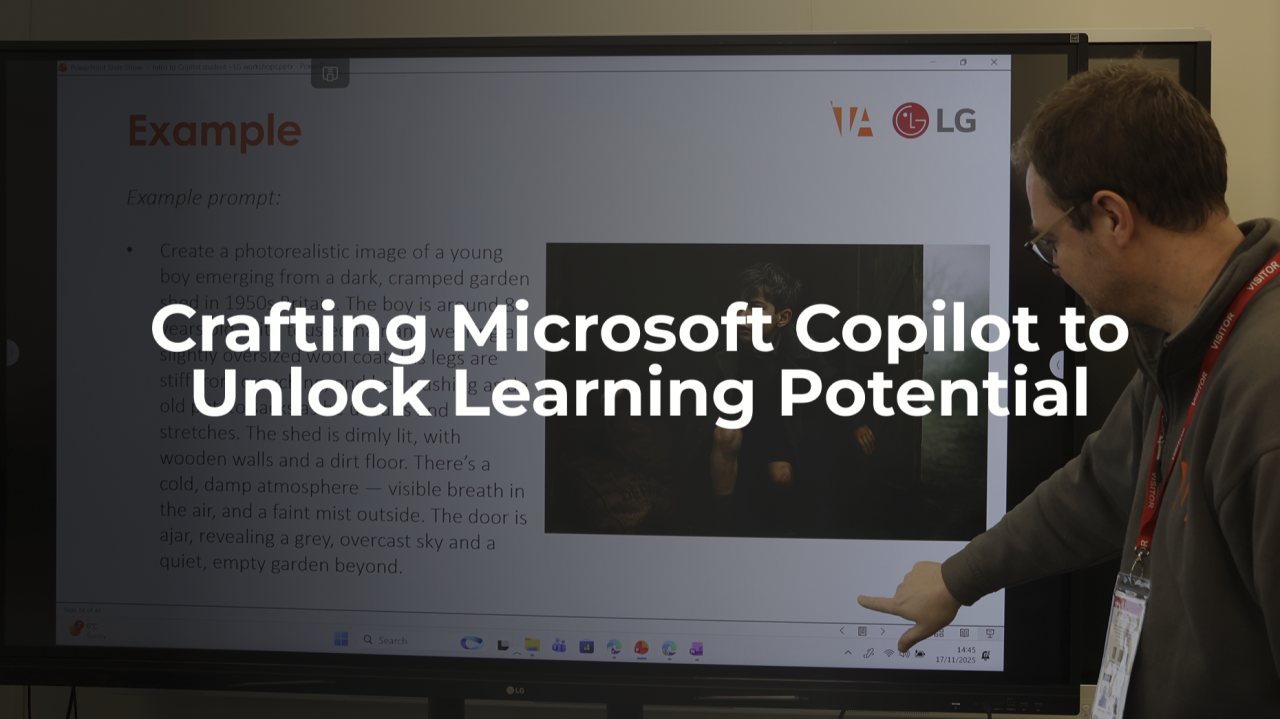
Understand AI from both ethical and practical perspectives, including the specific craft of prompt engineering.

Explore how Microsoft Copilot can help teachers spend less time writing reports and more time focusing on pupils.